
PAYMENTS
(617) 308-5348
FREE SHIPPING

Retail Edge

Blue icon row showing wireless signal, a document, a Visa card, a shipping box, an upward-trending graph, a barcode, bidirectional arrows, a price tag, a cloud, and a smartphone.

Feature Rich POS

RetailEdge POS has many options and functions to match your retail business’ needs and help lower your business costs. RetailEdge is able to function as an all-in-one system to manage your retail environment. All features are included in the RetailEdge software for just $495 unlike other POS software systems. With RetailEdge POS you have the tools you need to run your business, add and change your business as the market dictates and successfully grow your business from one to multiple stores.

Green bar chart with an upward trending line indicating growth

Sales Features

Features to process and manage sales and customers quickly

Blue silhouette of a person wearing a tie, representing a user profile avatar

Customer Management

Powerful tools to display and track customer sales history, manage customer lists and develop customer loyalty

Blue 3D box icon with perspective view

Inventory Management

Quickly manage and analyze your inventory with a multitude of powerful reports
Blue trailer icon next to a blue house icon on a white background.

Inventory Management

Quickly manage and analyze your inventory with a multitude of powerful reports

Blue trailer icon next to a blue house icon on a white background.

Mobile POS

Mobile solutions to sell anytime, anywhere even when disconnected from the Internet
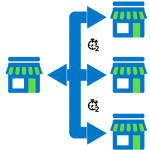
Flowchart showing one store on the left with blue arrows branching to three stores on the right and bottom.

Multi-location

Grow your single location business to multiple locations with RECON data synchronization

Blue shopping cart icon with a green handle, used as an Add to Cart button.

Web Integration

Integrate your business with the web for real-time order processing and item management
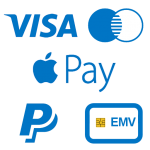
Accepted payment options: Visa, Apple Pay, PayPal, and a blue card icon.

Credit card processing

Choose your credit card processor to get the best rates and minimize on-going expenses
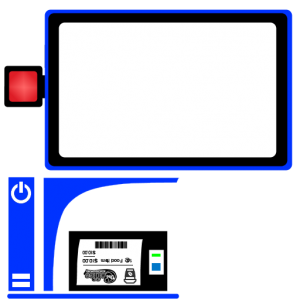
Blue payment terminal with a large screen, left red button, vertical power area, receipt with barcode and card slot below.

Flexible POS Equipment

Works with the various types of POS peripheral equipment to enhance your business style

Blue discount tag icon with a white percent symbol and small green plus and red minus signs, indicating sale or promotion

Discount rules

Powerful discount rules to fit your pricing strategy and meet your sales objectives
QuickBooks logo: blue bar with a green speech bubble containing the white 'qb' initials.

Quickbooks data transfer

Move your RetailEdge deposit information

Two blue outlined devices—a tablet on the right and a smartphone on the left—placed side by side.”, “Tablet and smartphone icons side by side in blue outlines.”, “Blue outline tablet and phone arranged horizontally.”

iPhone, iPad and Android apps

Retrieve information about your store from your iPhone or iPad
Blue toolbox icon with a wrench and gear, representing tools or maintenance/settings

RECAP

Platform that allows you to integrate external services with RetailEdge

Blue database icon with a shield, symbolizing secure data storage

Local data storage

Data is stored locally on your device where it is secure and available when disconnected

Blue globe with a grid motif and a red location pin marking a spot on the map, conveying global location.

Global company

Global solution for international retailers who have varying taxations, currencies and policies
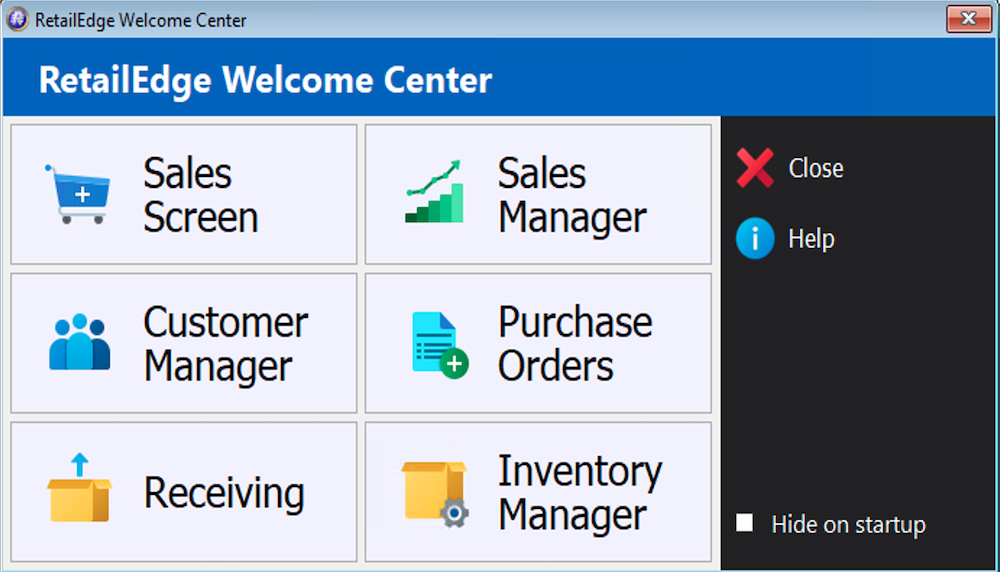
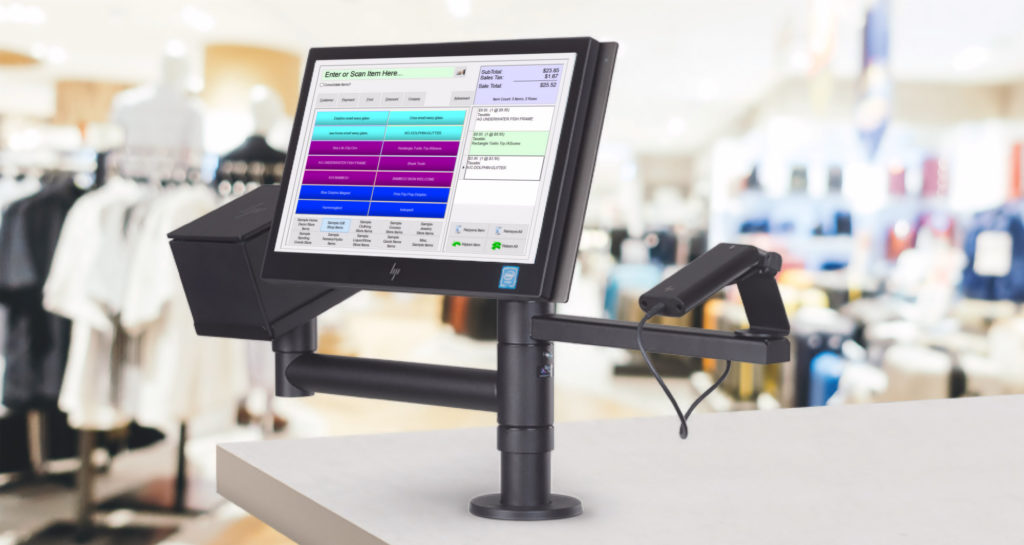
Point-of-sale touchscreen register mounted on a stand at a clothing store, showing a colorful checkout interface.
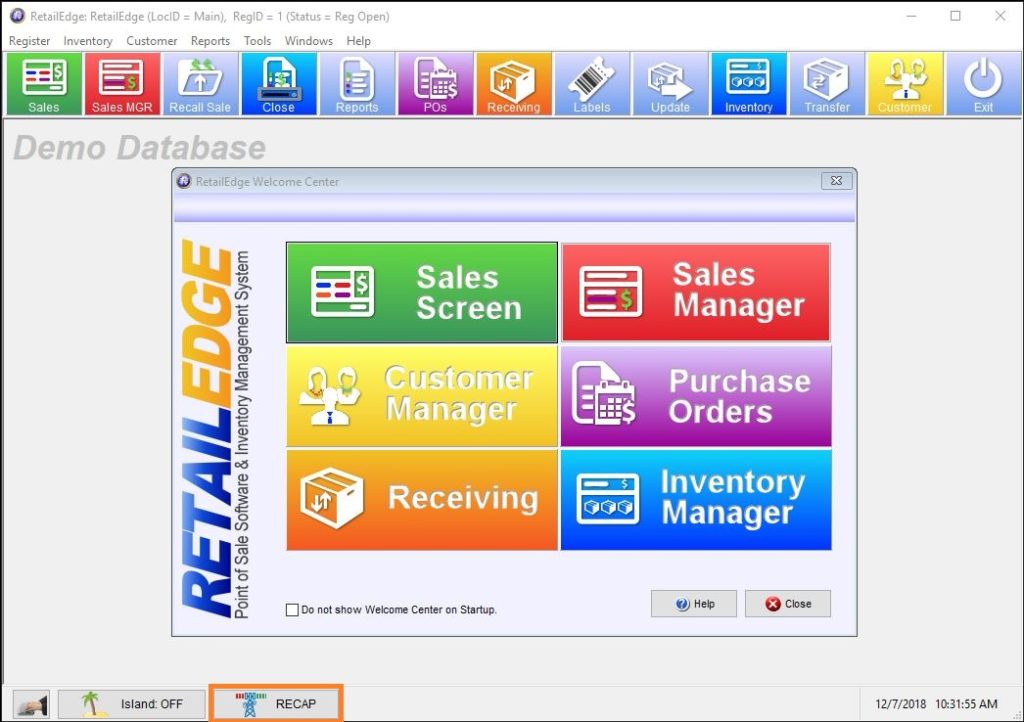
Screenshot of a RetailEdge demo database Welcome Center showing six colorful tiles: Sales Screen, Sales Manager, Customer Manager, Purchase Orders, Receiving, Inventory Manager, with RetailEdge logo on the left.

Get in touch with us

Name
Shopping Cart
Scroll to Top